How it works
A little less effort.
A lot more perspective.
A better exchange starts with a better understanding of the piece. Here’s the experience we’re building, from first scan to next home.
01 / CAPTURE
One piece.
A thousand perspectives.
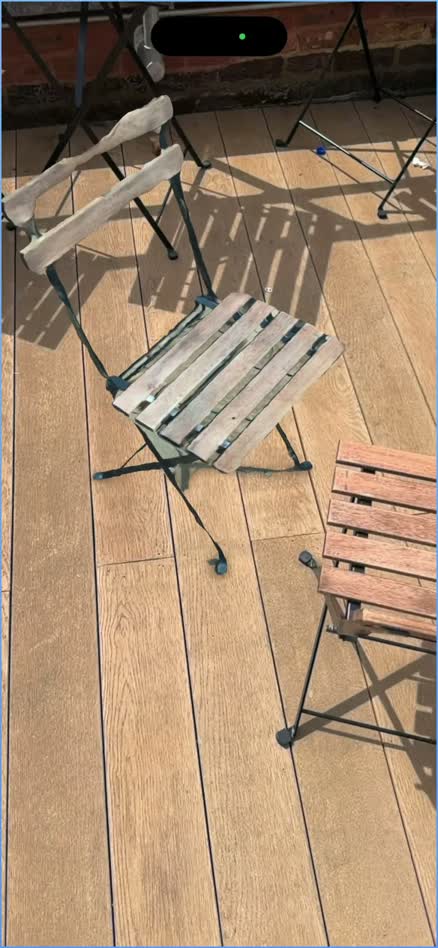
Move around the piece. A phone-based scan captures the shape, proportions, and surface.
- Process
- 3D capture
- Next
- Digital listing
- Then
- Room preview
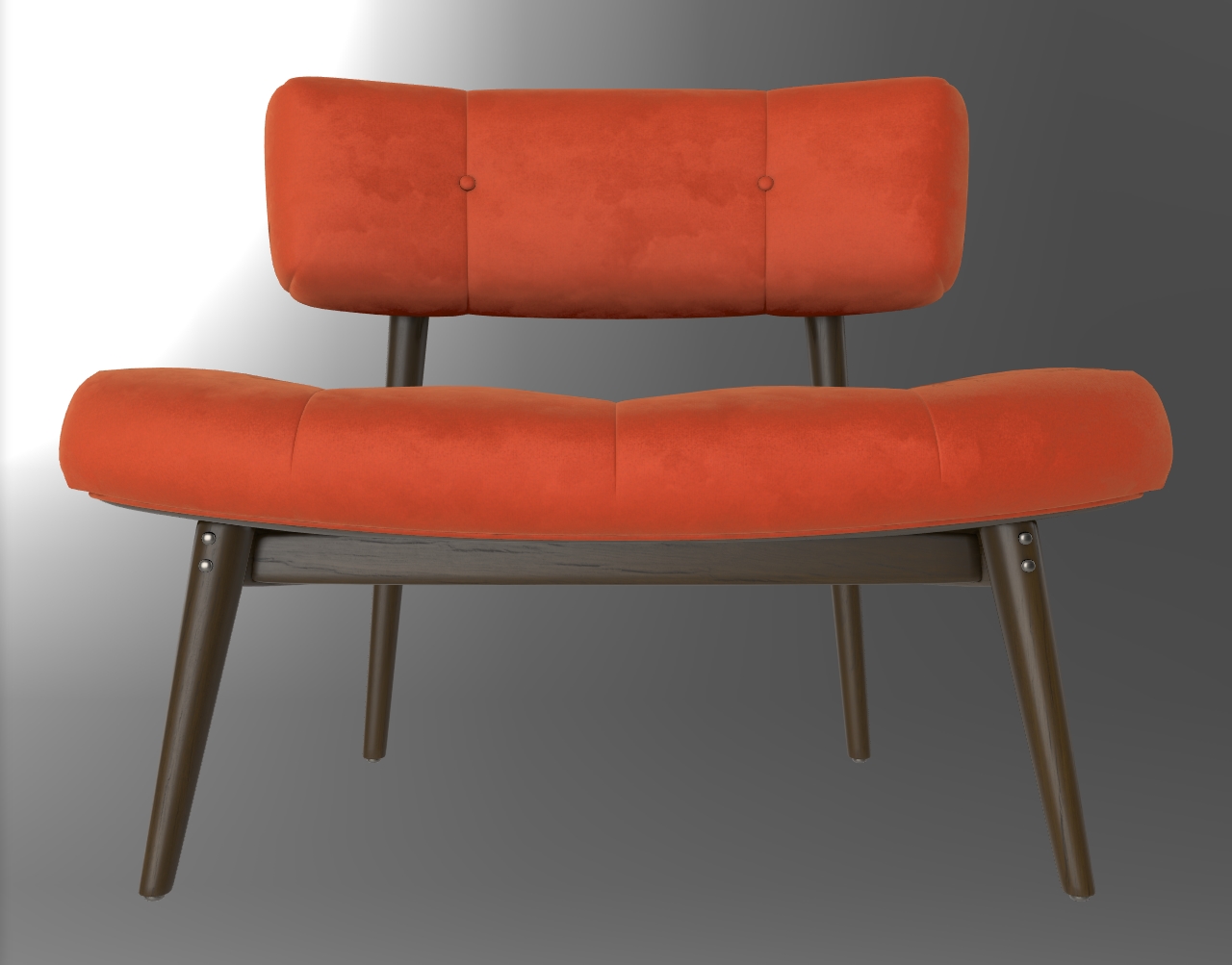
Preview uses sample furniture and a sample room, not a live scan. Dimensions are for demonstration. Watch the product walkthrough ↗
01 For the person moving on
Capture the piece.
Not just a photo.
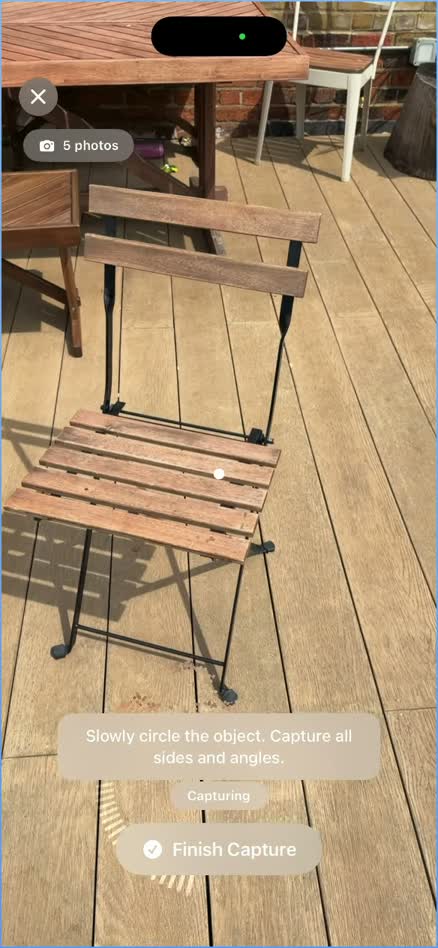
Walk around your furniture with a supported phone. RUUM’s prototype uses phone-based scanning to create a 3D representation, bringing shape and dimensions into the listing process.
LiDAR and photogrammetry are the foundations. Capture quality depends on your device, lighting, and the object itself.
02 For the person looking closer
A listing with
more to show.
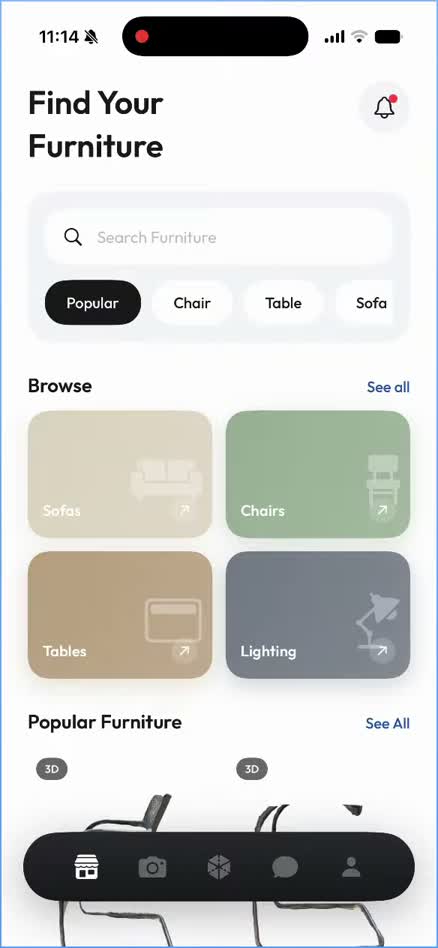
Browse pieces and explore their 3D models. Get more context than a few photographs can provide, so you can ask better questions and decide what’s worth a closer look.
A model adds perspective. It doesn’t replace an honest condition description, clear photos, or a conversation with the seller.
03 For the space you call home
See it here.
Before it gets here.
Use an augmented-reality preview to place the model in your room at true scale. Explore how a piece could work alongside the furniture you already have.
Room previews are a guide, not a fit guarantee. Always check key measurements, access routes, and condition before arranging collection.
Watch the prototype in action